

Manage Keys in the Portal
API Key Consumers can be managed from your project's Services page in the Zuplo Portal. Each project is created with three API Key Buckets - one for production, one shared by preview environments, and one for development (working copy) environments.
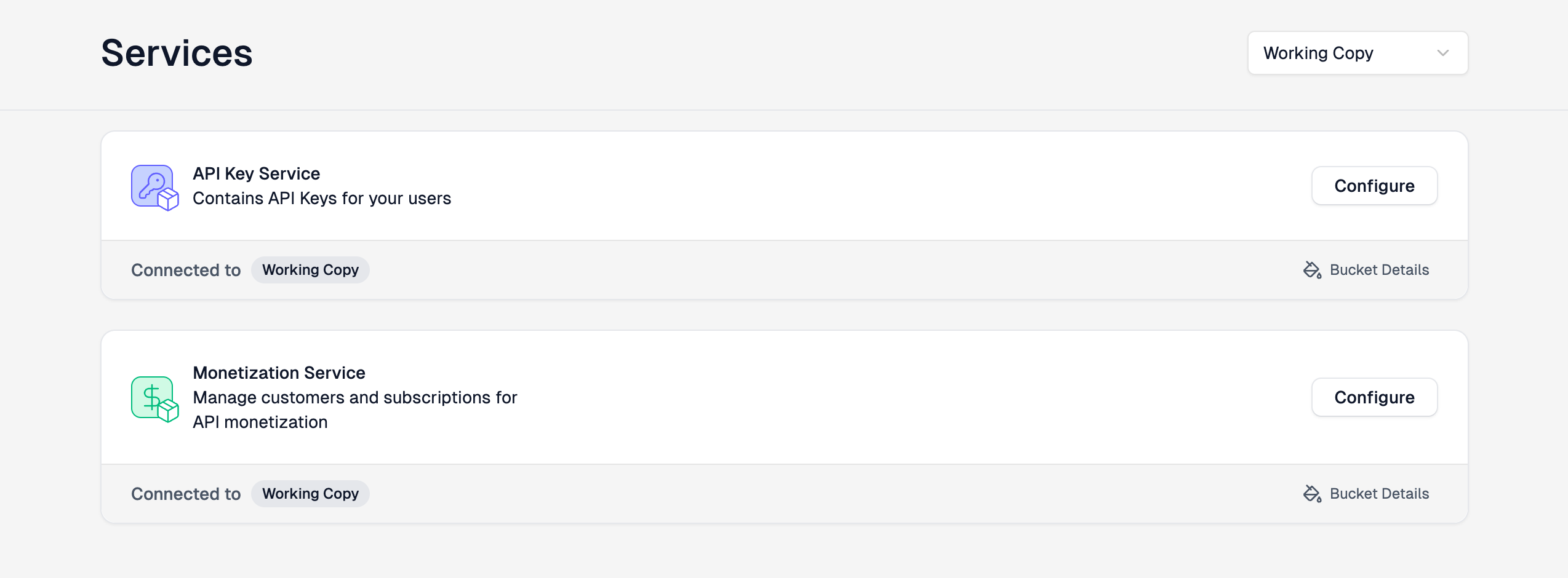
You can view the buckets for each environment or for all environments using the drop down.
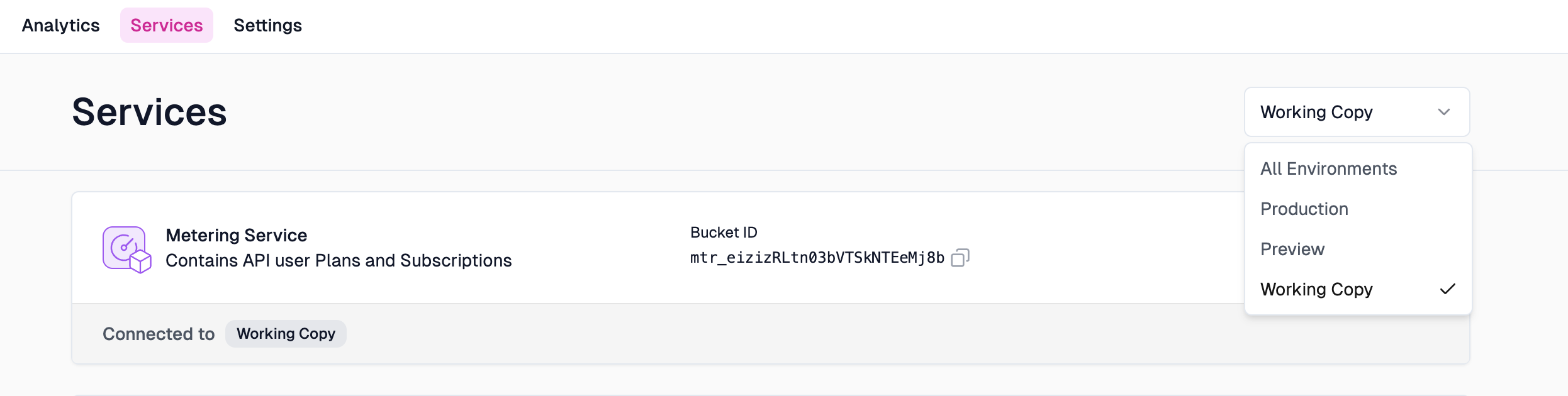
To open the API Key Bucket for an environment, click the Configure button.

When you first open the API Key Bucket, you won't have any API Keys created.
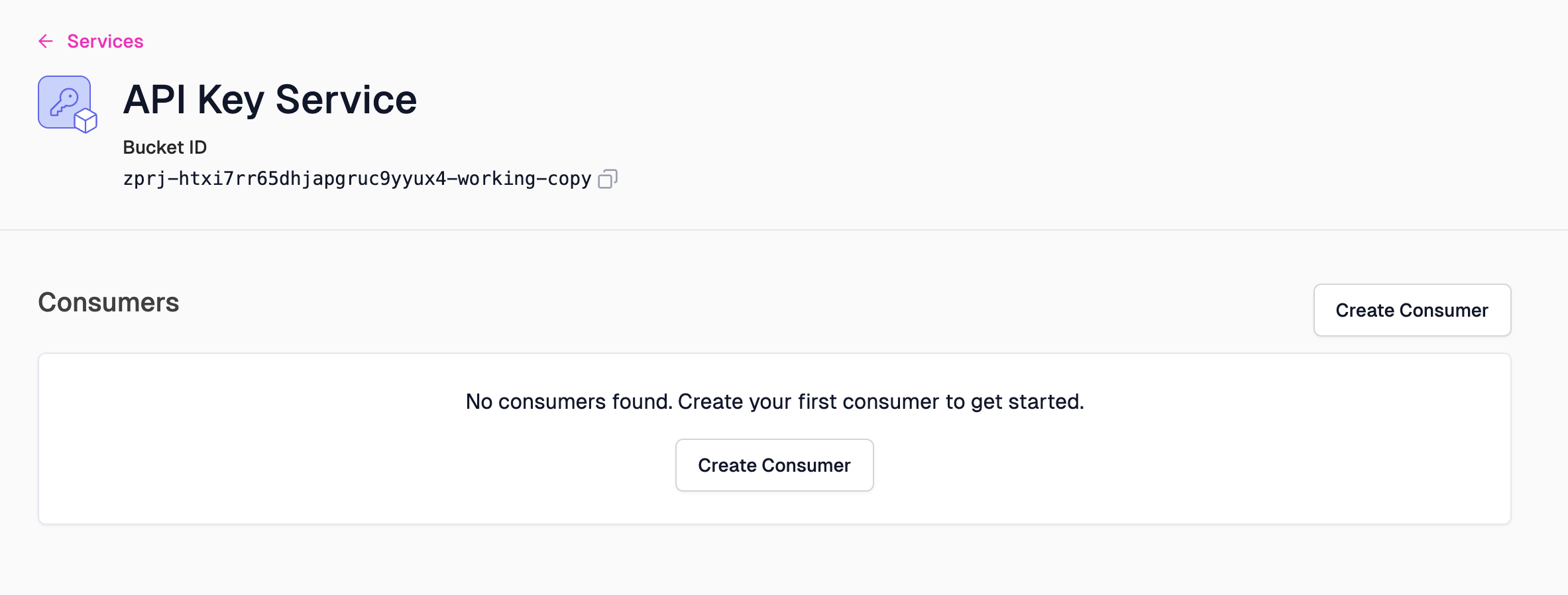
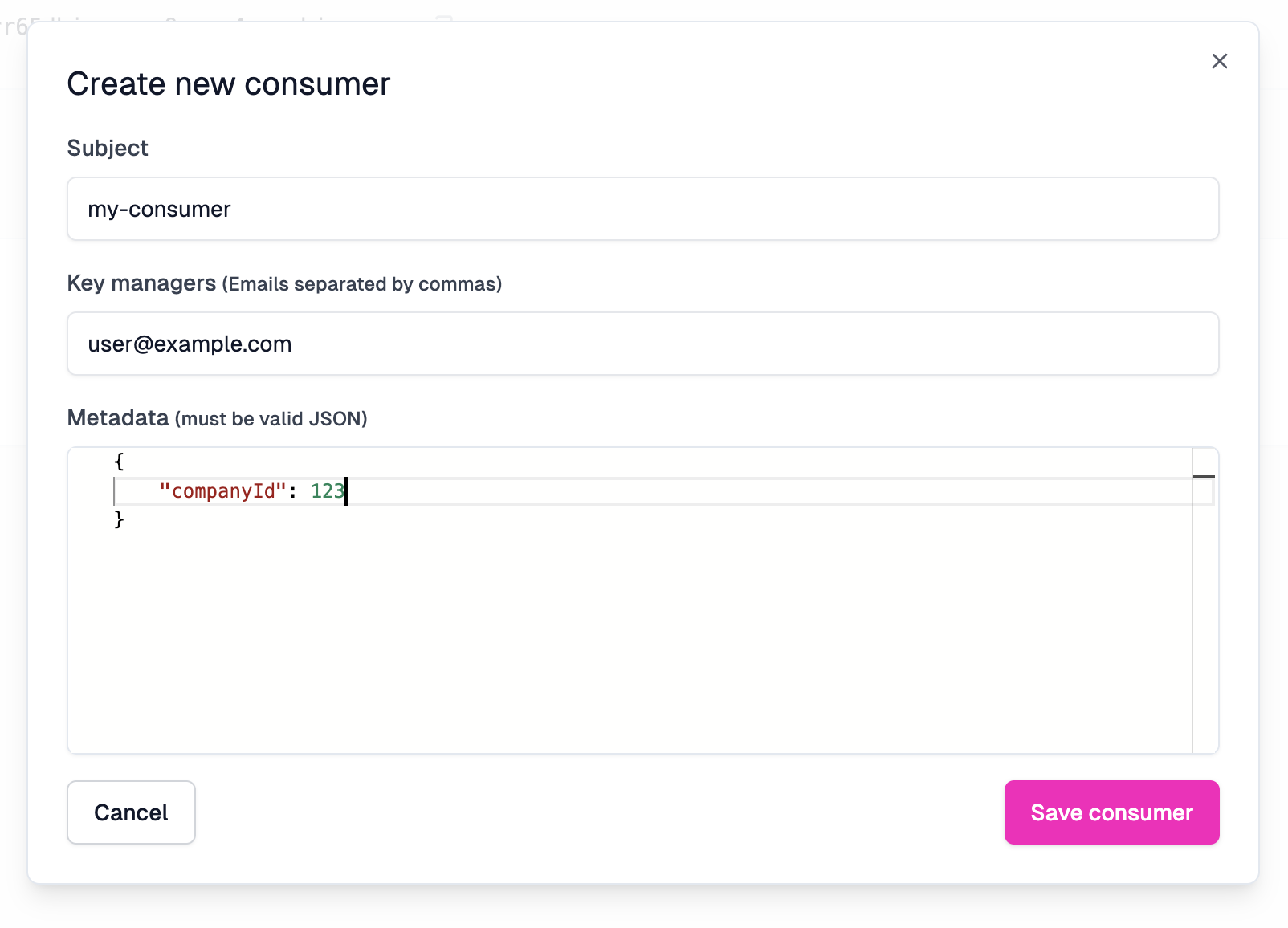
To add a new API Key Consumer click the Create Consumer button and complete the form.
Once a consumer is created, you can view or copy the API Key by clicking the icons shown.

If you're using the Zuplo Developer Portal, we've an integration with the API Key API that allows developers to access their API keys, create new ones and delete them. To enable this, you must assign one or more managers, via e-mail, to be a manager for your API Key Consumer. This is optional if you aren't using the Developer Portal.
You can assign managers from your project's Services page in the Zuplo Portal or via the API.
If you want to automatically create an API Key for a customer automatically when they sign into your developer portal using Auth0, follow this tutorial.